 SpeechBee
Your download is starting
SpeechBee 0.3.12 for Mac, 34 MB, signed and notarized
Download didn't start? Download it here
Needs a Mac with Apple silicon (M1 or newer) and macOS 14 or later.

Install it in about a minute
Open the file
Find SpeechBee-0.3.12.dmg in your Downloads folder and double-click it.
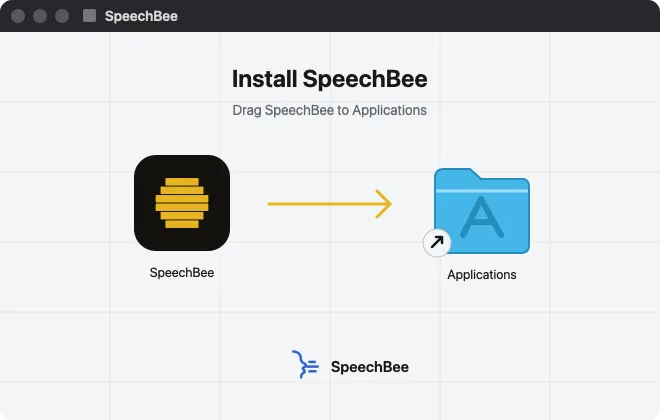
Drag SpeechBee to Applications
Drop SpeechBee onto the Applications folder in the window that opens. You can then eject the installer.
Open SpeechBee
Open it from Applications. It lives in your menu bar, and a short setup walks you through the rest. The speech model downloads once, then dictation works offline.
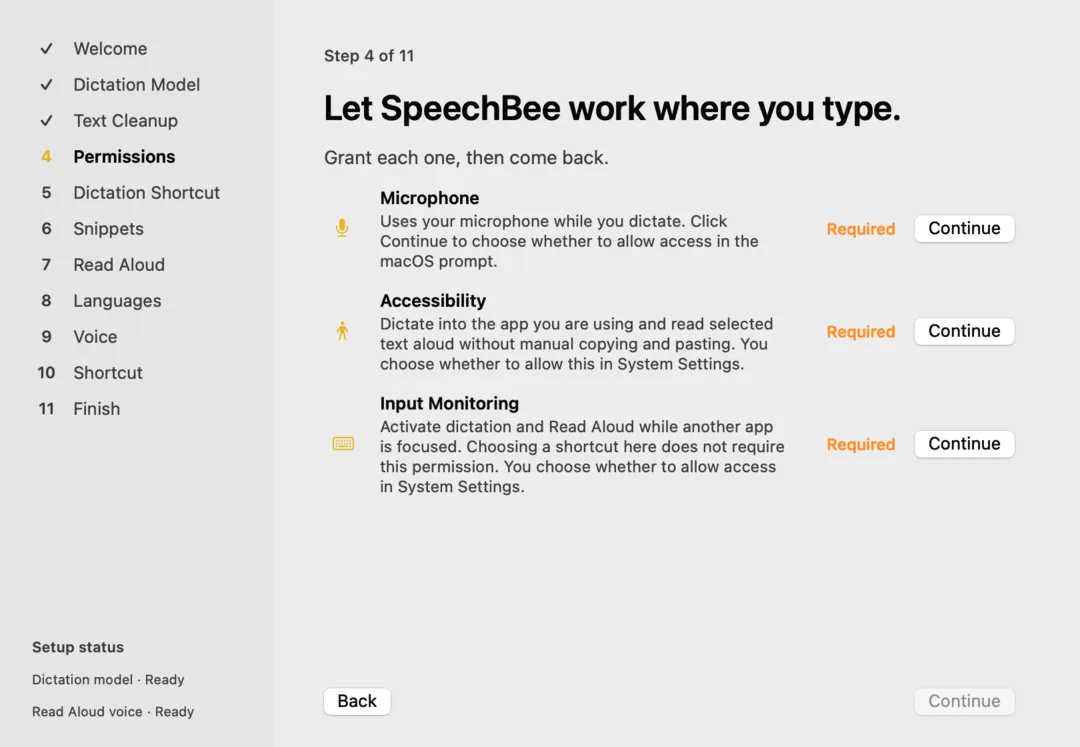
Allow three permissions
Microphone, so it can hear you. Accessibility, so it can type where your cursor is. Input Monitoring, so your shortcut works in every app. Setup shows you where to switch each one on.
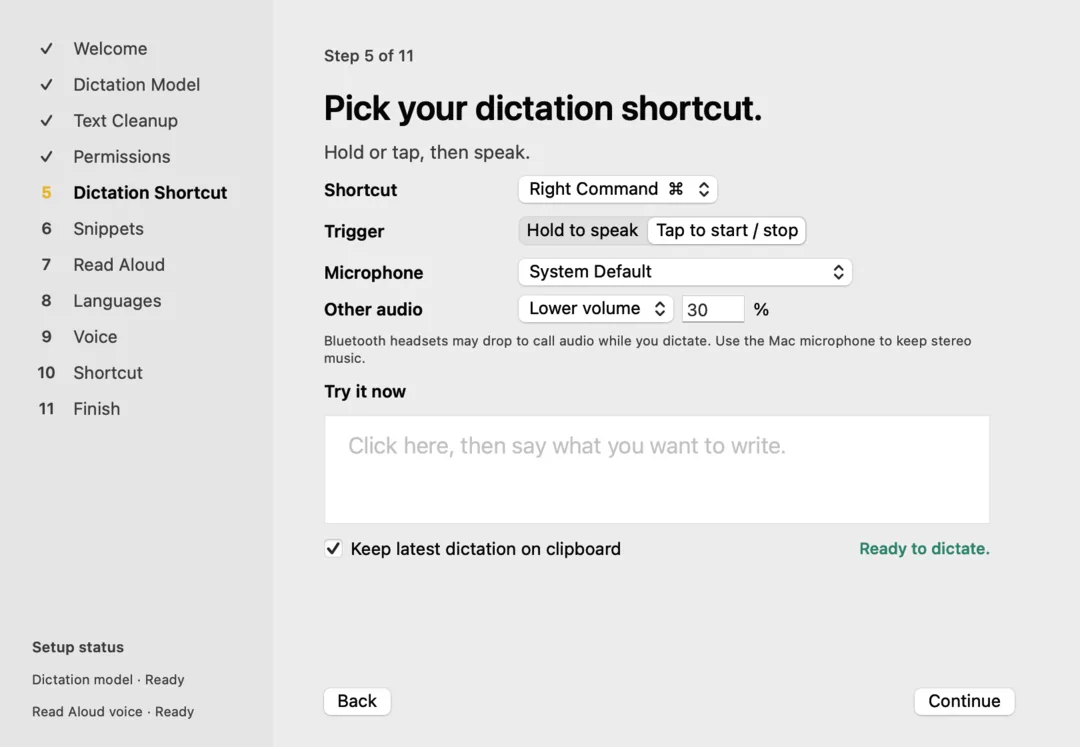
Hold your key and talk
Pick a shortcut in setup, such as Right Command. Hold it in any app, talk, and let go. Your words appear at the cursor.


What the free week means
- Every feature for 7 days. No card needed.
- The week starts when you finish setup, and SpeechBee reminds you before it ends.
- Then choose $9 a month, $79 a year or $99 once. One plan covers your Mac, iPhone and iPad.
- Nothing is charged unless you choose a plan.
Setup guides
- How to dictate on a MacTurn on dictation on your Mac in System Settings, start it with the Microphone key or a shortcut, add punctuation by voice, and fix it when it stops. Plus a faster option for daily dictation.
- Mac dictation shortcutThe default Mac dictation shortcuts (Microphone key, press Fn or Globe twice), how to set a custom one such as Option-Z, how to change the language and microphone, and one-key hold-to-talk alternatives.
- Mac dictation not workingDictation on your Mac won't start, stops after a few seconds, or types the wrong words? Work through these fixes for settings, shortcut, microphone, Voice Control, language and internet.
- Offline dictation on MacHow to dictate on a Mac with no internet connection, and keep your voice on your own computer: checking Apple Dictation's on-device processing, Voice Control, and local apps that run speech models on your Mac.
- Text to speech on MacHave your Mac read selected text aloud with Speak selection and Option-Esc, every text-to-speech shortcut, how to change the voice (including Siri voices) and speed, or use a natural local voice with SpeechBee Read Aloud.